Locate a testing center
Use this area to locate a Pearson Professional Center that offers the NCLEX. Testing centers are grouped by country and state/province.
- Select Lists on the blue navigation bar.
The Lists page is displayed. 
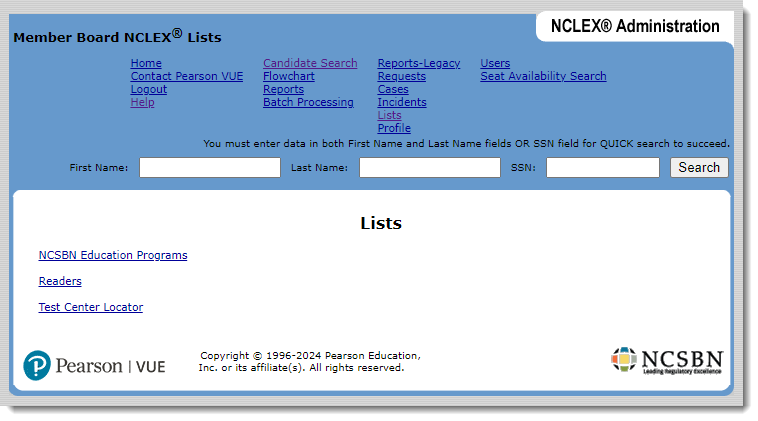
- Select the Test Center Locator link.
The Select Country page appears, prompting you to select the country in which you want to locate a testing center.
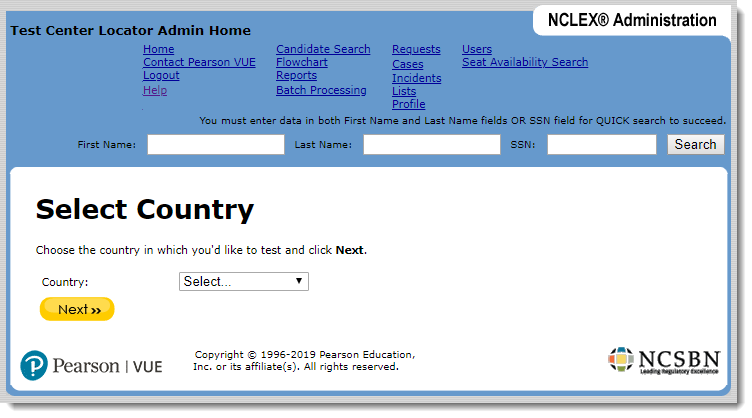
- Select a country in the list and select Next.
The Select State page appears, prompting you to select the state in which you want to locate a testing center. (If you chose a country with no states or provinces, the Testing Center Locator page shown in step 4 is displayed.)
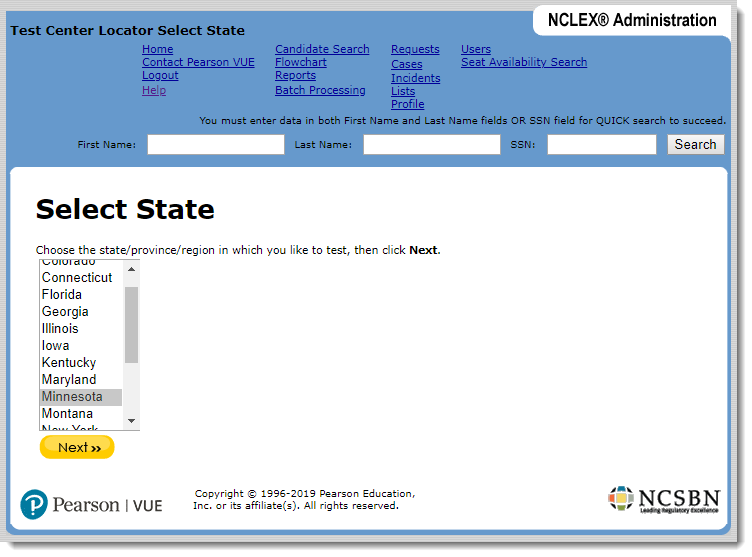
- Select a state/province in the list and select Next.
|
In addition to State, a Province may also be selected from this list even though the label says State. |
 Note
NoteThe Testing Center Locator page appears, displaying a list of testing centers in the location you selected, along with their phone numbers and addresses. The list is sorted by city.
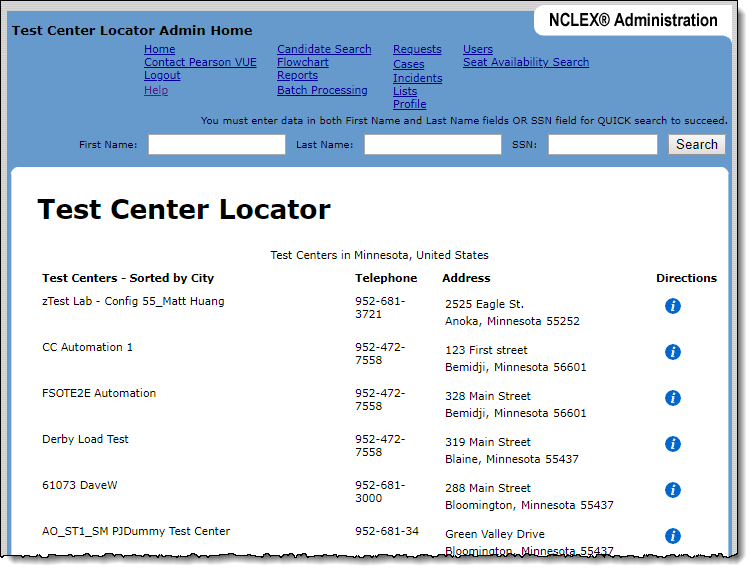
- If needed, select a center's Directions button to display driving directions to the center. (Select the close window link to close the Directions window.)
Pearson VUE Proprietary and Confidential