Delete an event
If you no longer need an event, you can delete it from your list of events.
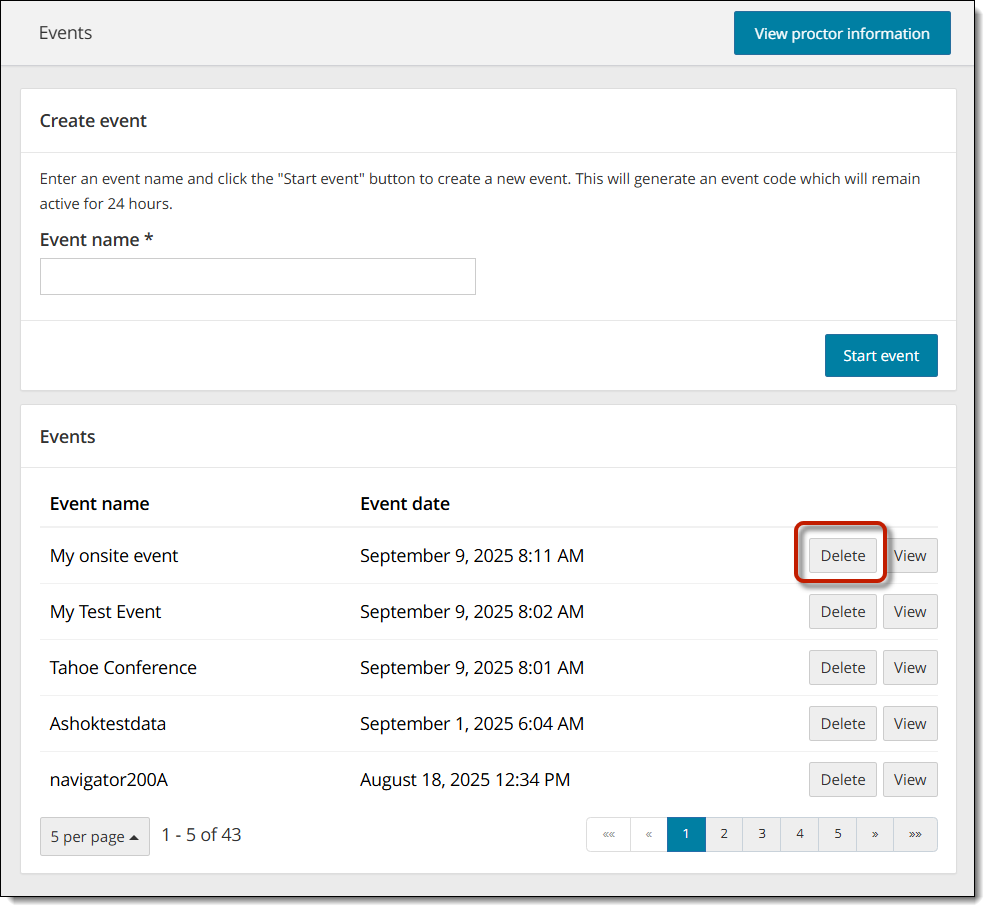
- On the Events dashboard, locate the desired event in the list.
- Select the event's Delete button.

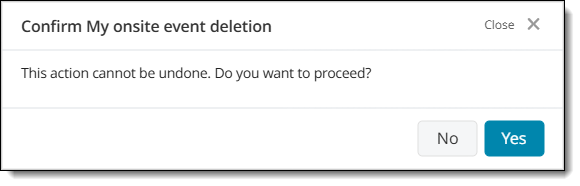
- Select Yes to confirm that you want to delete the event.
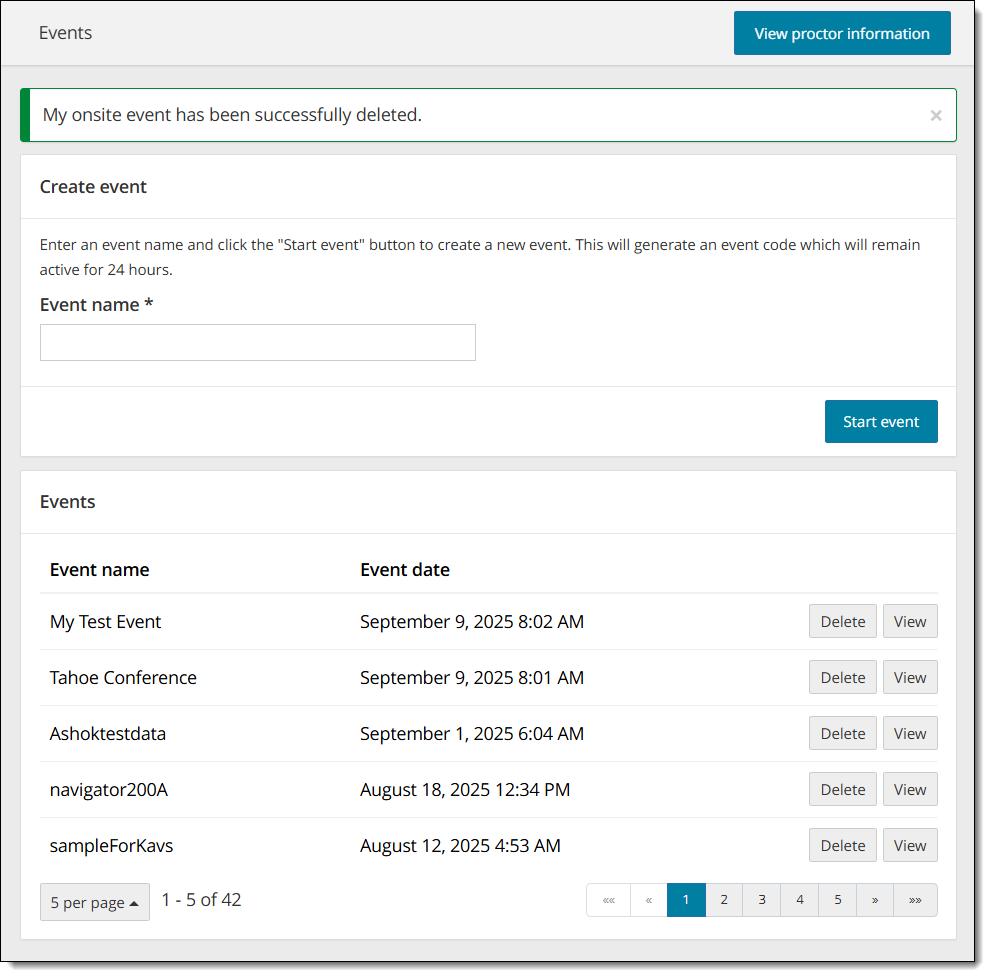
You are returned to the Events dashboard. The event was deleted from the Event list and a message confirms the event was successfully deleted.
Pearson VUE Proprietary and Confidential