Regenerate an event code
Event codes automatically expire 24 hours after they have been generated. If you created an event more than 24 hours prior to the Client proctored - no appointment required event, or if the event code has become compromised in any way, you can easily regenerate an event code. You may also reuse a Proctoring event for another Client proctored - no appointment required event on another date. You will need a new event code for the new Client proctored - no appointment required event.
|
Pay close attention to the Event Code expiration date and time. If it is currently past the expiration date and time, you are unable to use the current event code. You must regenerate a new event code.
|
 Note
Note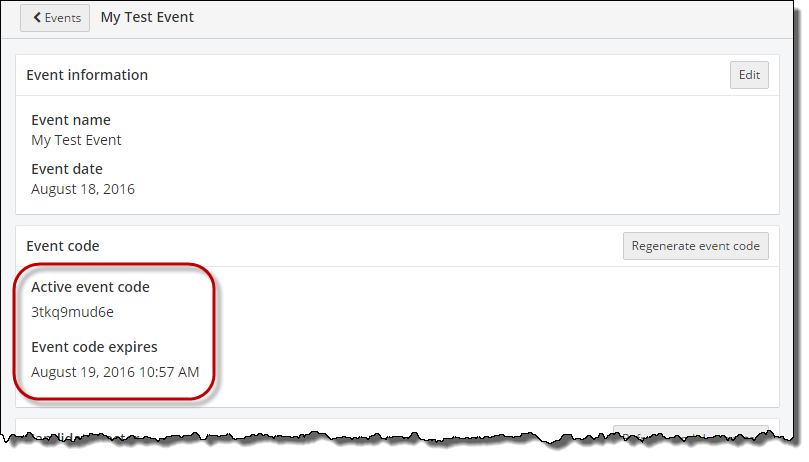
- On the Events dashboard, locate the desired Event in the Events list.
- Select the View button.
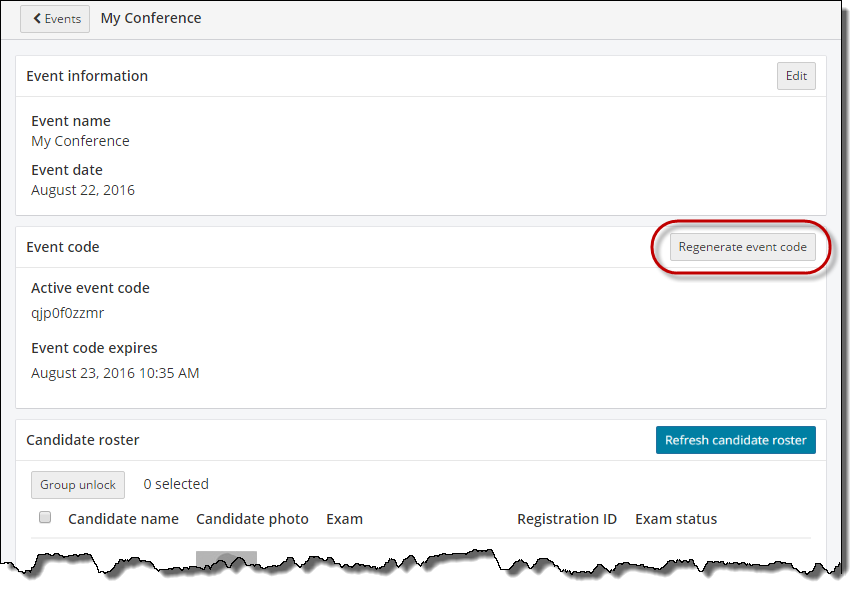
- Select the Regenerate event code button in the Event code section.

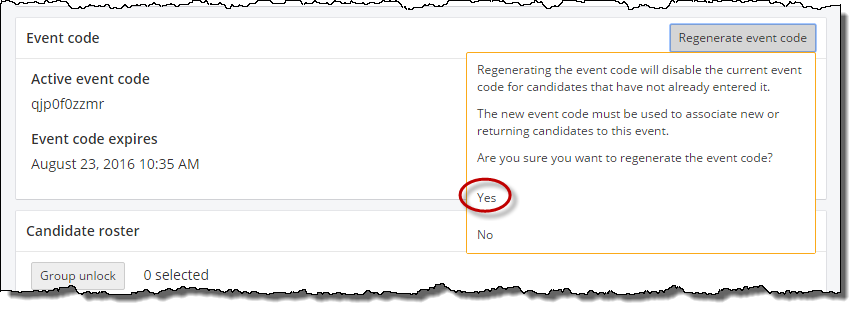
- Select Yes in the are you sure you want to regenerate the event code drop-down list.
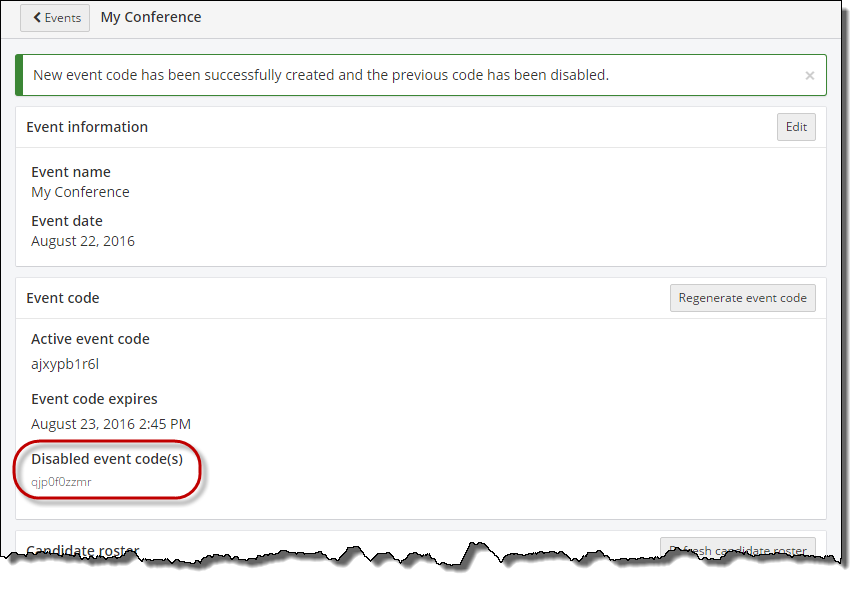
A message states the new event code has been successfully created and the previous code has been disabled. The disabled event codes are listed newest to oldest in the disabled list.
Pearson VUE Proprietary and Confidential