Work with Affiliate Sites
|
This topic is only applicable to sites that work with affiliate sites. If you are not configured to work with affiliate sites, proceed to the Users List List topic. |
 Note
NoteIf your site is part of a site group and has been assigned affiliate administrative rights for other sites in the group, you may be permitted to make changes to Connect User Management and Site Manager information, and view and print the schedule for other sites in the group. To do this, your site group must be set up appropriately at Pearson VUE, and your user account in Site Manager must be assigned the May administer affiliated sites role.
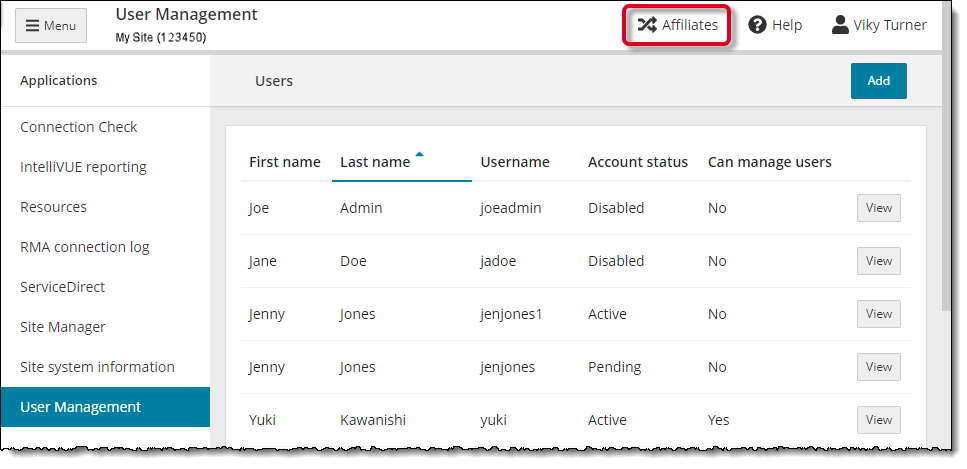
If your site and your account are configured properly, when you select the User Management application in the left navigation menu the Affiliates menu appears in the upper right-hand corner of the menu bar.
To work with another site in your group, use the following procedure to select the desired site:
- Select the User Management menu in the left navigation panel. The Affiliates menu is displayed on the menu bar and your local site is selected by default.

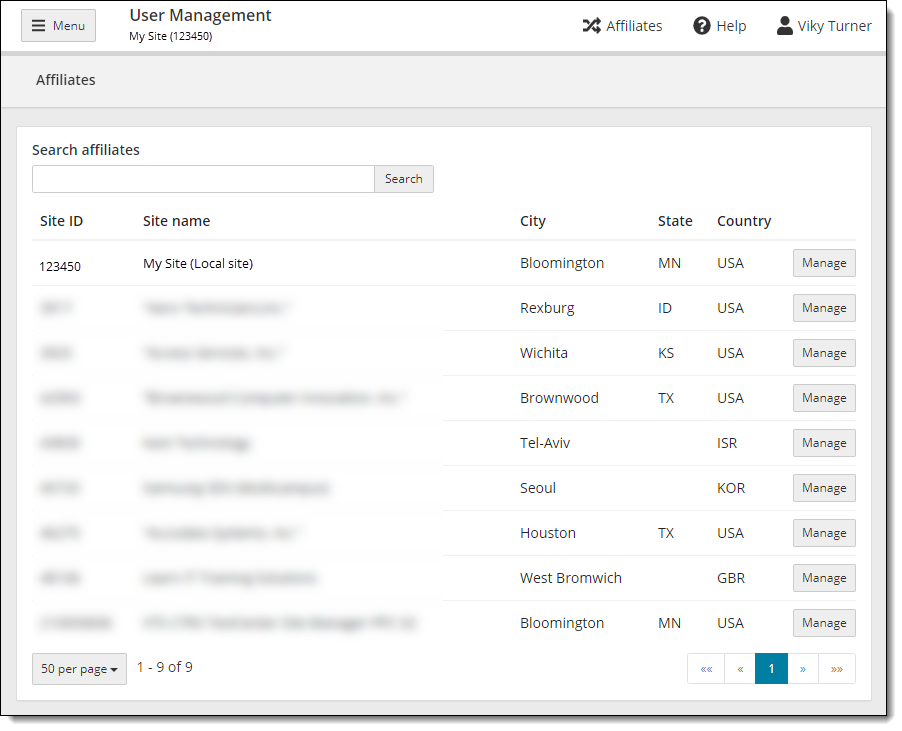
- Select the Affiliates menu. The Affiliates page opens with your site displayed at the top of the list. The words (Local site) appear in parentheses by your local site.
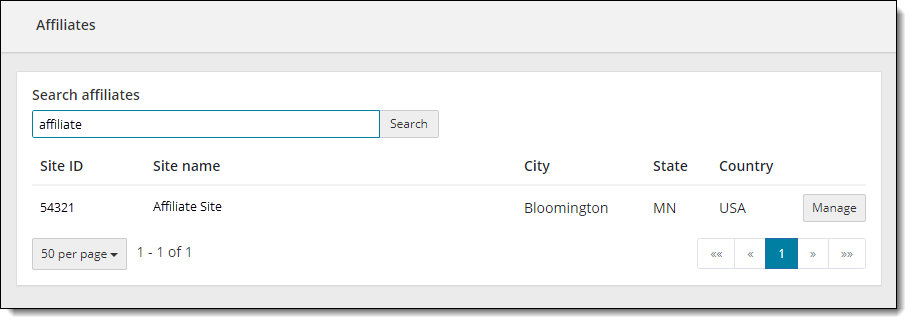
- Use the Search affiliates text box to search for the desired site.
- Enter Site ID, any text in the Site name, City, State, or Country into the Search affiliates text box and select the Search button.
- The list is filtered to display all sites that meet the entered criteria.
- Select the Manage button for the affiliate site you want to manage. The selected site is listed in the menu bar at the top of the page.
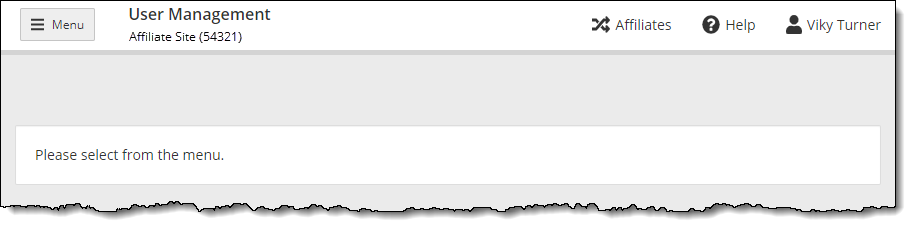
- Select the Menu button to open the navigation pane. Proceed to User Management to manage the selected affiliate site users as described in the help topics.
- To switch to a different affiliate site or to switch back to your local site, select the Affiliates menu and select the Manage button of the site you want to manage.
Pearson VUE Proprietary and Confidential