Edit an event name
You can modify the name of the event if you want reuse it and make it specific to a different testing event day. If you no longer need the event you can delete it. See the Delete an event topic if the event is no longer needed.
- On the Events dashboard, locate the desired Event in the Events list.
- Select the View button.
- Select the Edit button in the Event information section.
- Modify the Event name.

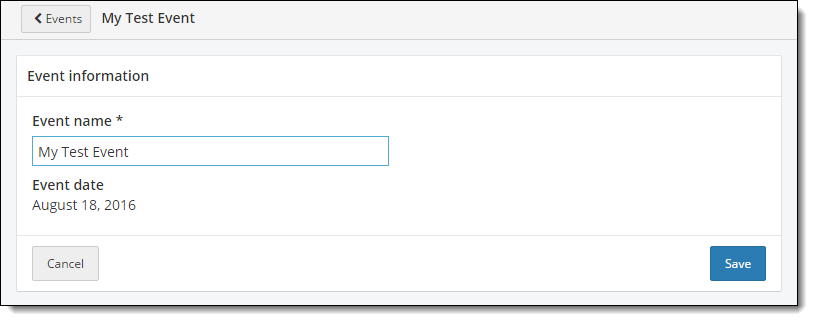
- Select Save.
A message states the event name has been successfully updated.
- Select the Return to Events list button
 at the top of the Event Details page.
Pearson VUE Proprietary and Confidential